
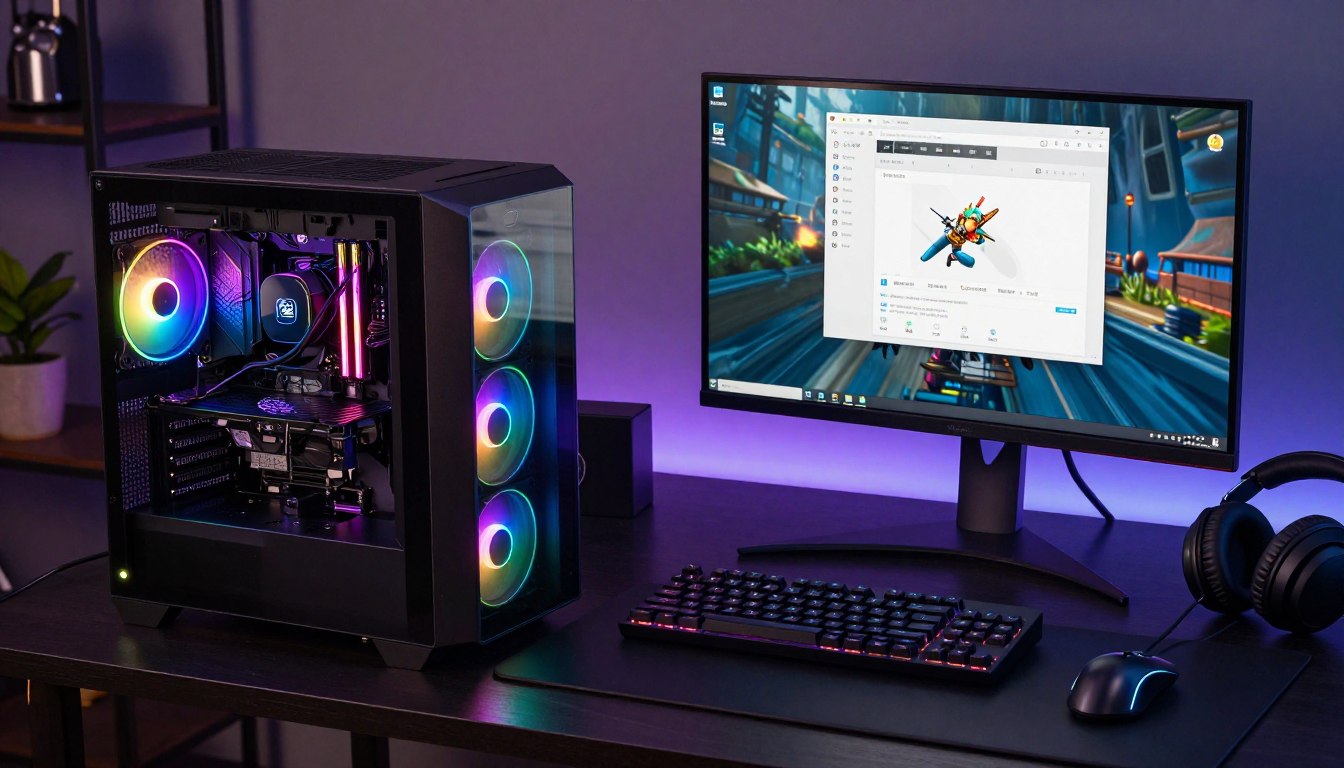
If a game stutters while a browser, chat app and recording software are open, your PC may be running short of memory. That can interrupt a gaming experience, but it does not prove RAM is the cause. A graphics card, processor, or game settings can also limit play.
Understanding what does increasing RAM do for your gaming PC starts with finding the actual limit. You’ll get practical guidance for checking your computer, choosing an upgrade, and keeping applications running alongside a game. More RAM helps when your current capacity is the problem, not simply because a larger number sounds better.
Key Takeaways
- Extra RAM can help when active game and application data crowd available memory.
- A capacity upgrade does not guarantee higher average FPS.
- Check memory use during a typical gaming session before buying.
- Confirm that a new kit fits your computer and its supported configuration.
- The useful upgrade is the one that removes a real limit in your own setup.
What Does Increasing RAM Do for Your Gaming PC?
RAM is the PC’s fast, temporary workspace for data that the processor needs while a game and its other applications are running. Dynamic random-access memory (DRAM) stores data in cells made from a capacitor and a transistor, and its cells need regular electrical refresh.
RAM holds active data temporarily, while an SSD or hard drive stores data long term. Games place assets and other working data in RAM so the CPU can access them quickly. Open applications also use memory, even when they are not in the foreground.
More RAM improves a computer’s performance when active data needs more room than its current memory provides.
When RAM fills, the system can move some tasks to a page file on an SSD or hard drive. That storage is much slower than working in RAM, so switching data can make tasks feel sluggish.
How game data uses working memory
Random access memory lets the system retrieve active data without reading it from long-term storage each time. That access memory supports the game, the operating system, and the applications you keep open. The computer can use memory for many active tasks at once.
What happens when memory runs short
A page file helps the system keep running when memory is scarce, but it is not a substitute for enough RAM. Capacity and speed are also separate factors: capacity is how much data memory can hold, while speed affects how quickly it handles data.
If active data no longer fits comfortably in RAM, the system has to lean more on much slower storage.
Does RAM Affect Gaming FPS?
More RAM raises FPS only when a game or its background workload is being held back by a memory shortage. Extra capacity can steady gameplay when memory pressure causes interruptions, but it does not guarantee a higher average frame rate.
Average FPS and frame-time consistency describe different parts of gaming performance. Average FPS measures frames over time; consistent frame times help each frame arrive steadily. A game may show a similar average while still feeling smoother with fewer stutters.
When extra capacity can steady gameplay
RAM capacity and memory speed can both affect play, but only when one is limiting the system. If active tasks run out of room, more capacity can ease slowdowns. Faster memory can help some CPU-bound games, though results depend on the processor and game.
Fortnite FPS and the limits of a memory upgrade
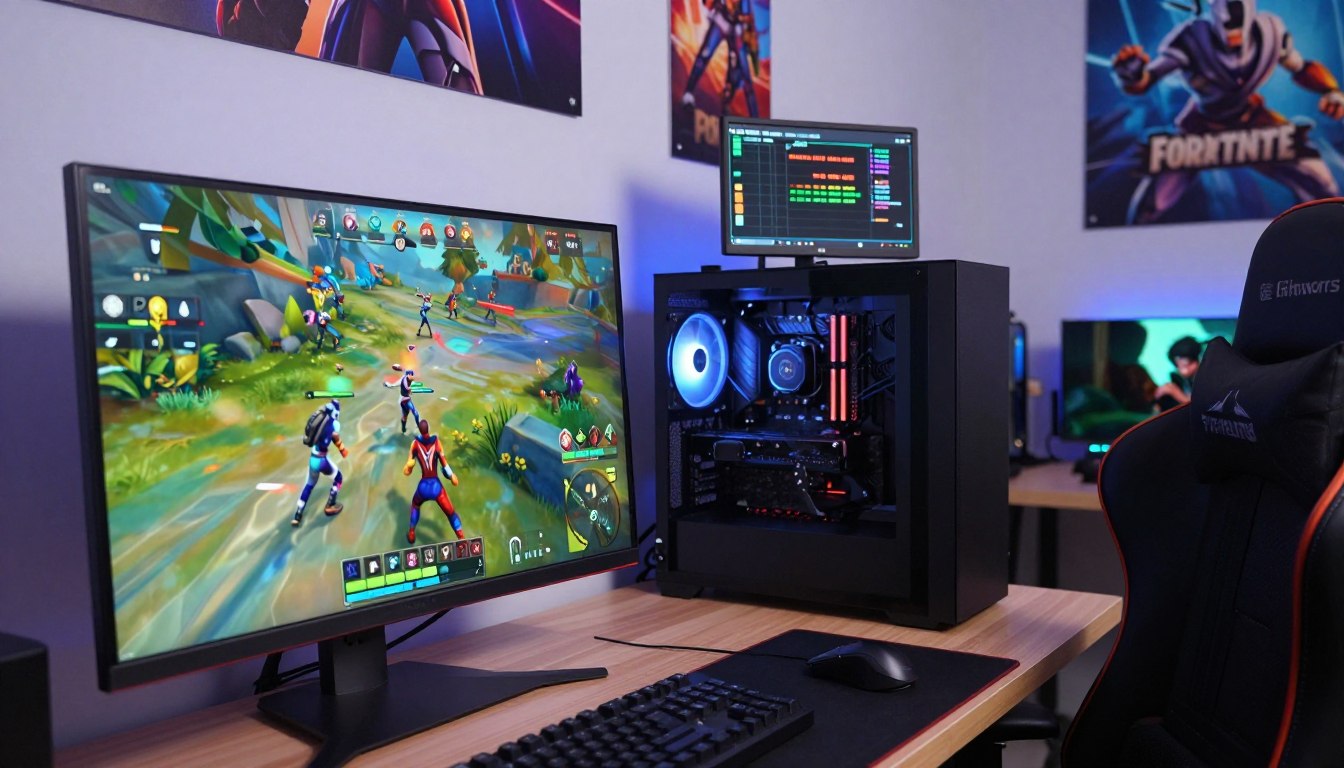
Fortnite shows why no fixed FPS gain can be promised. A PC limited by its graphics card or CPU may see little change after a memory upgrade. At 1440p and 4K, the graphics card generally matters more than extreme DDR5 memory speed.
Before buying memory, check these signs during a real gaming session:
- Watch RAM use while the game is running.
- Note whether stutter starts when background apps become busy.
- Consider whether the CPU or GPU is limiting the game.
Compare the same game scene before and after a change rather than relying on a single FPS reading.
How Much RAM Do You Need for Gaming?
For Fortnite alone, 16 GB is enough, while the right target rises with the resolution, refresh rate and extra apps you run. Sixteen gigabytes gives you room for the game itself, while heavier use can call for more.
Fortnite lists 8 GB as its minimum, while its recommended and Epic-preset specifications call for 16 GB or more. Those listed requirements were accessed September 29, 2026. Fortnite’s setup recommendations also vary by resolution and refresh rate.
| Fortnite scenario | RAM | Condition |
|---|---|---|
| Playing Fortnite alone | 16 GB | Enough for the game by itself |
| Casual 1080p at 60 to 144 Hz | 16 GB | Recommended setup |
| Competitive 1080p at 240 Hz or above | 16 to 32 GB | Recommended setup |
| 1440p Epic quality | 32 GB | Recommended setup |
For a listed 8 GB minimum, remember that meeting the launch threshold does not mean every setup will feel smooth. Modern games and AAA titles can also share memory with background applications, which changes the practical amount you may want.
Treat a listed minimum as a launch threshold, not a promise of smooth play in every setup.
Is 32GB or 64GB Overkill for Gaming?
For most gaming PCs in 2026, 32 GB is enough, while 64 GB earns its place mainly through demanding work beyond gaming. Gaming alone rarely needs the same capacity as professional editing or large data tasks.
Windows 11’s 4 GB minimum is a system requirement, not a gaming recommendation. Copilot+ PCs have a separate requirement of 16 GB of DDR5 or LPDDR5 RAM. Those numbers serve different purposes and should not be treated as interchangeable targets.
When 16 GB is enough
Sixteen gigabytes can suit gaming when you keep your workload simple. A game, voice chat and a few background applications may fit comfortably, depending on what each task uses. On Windows, increasing RAM improves performance only when the current workload needs more capacity.
When 32 GB or 64 GB makes sense
Thirty-two gigabytes gives most gaming PCs space for streaming, recording, and multitasking with more applications open. 64 GB is more useful for local AI, professional editing, virtual machines, or large data sets. Moving from 32 GB to 64 GB has minimal performance impact when your workload does not need the extra capacity.
One terabyte of RAM is possible in specialized systems, but it is far beyond what a typical gaming PC needs. The larger amount does not make ordinary games faster if they already have enough room to run.
If you game without running memory-heavy workloads, paying for capacity you do not use is unlikely to improve performance.
Can You Upgrade RAM in a Gaming Laptop?
A laptop RAM upgrade is possible only when the exact model has accessible, compatible memory slots. Some gaming laptops use replaceable memory, while others solder some or all RAM to the board.
More laptop RAM can improve FPS only when memory capacity is the bottleneck. If a laptop already has enough room for its game and background tasks, adding capacity may not change frame rates or overall performance.
Laptop upgrades and FPS
The MSI Katana 15 HX has slotted, upgradeable RAM and was tested with 16 GB. Its tested configuration included an Intel Core i7-14650HX and Nvidia GeForce RTX 5050 Laptop GPU, and it was listed at $999.99.
That example shows one laptop design, not a rule for every computer. Some laptops provide two memory slots; others have four or none that you can replace. Memory commonly uses matched pairs, so a laptop’s current configuration also matters.
Check the laptop before buying memory
Before ordering a kit, look up the exact model and check its supported memory type, available slots, maximum capacity, and supported configuration. Laptop names can cover several versions, so match the details to your full model number.
Does upgrading RAM increase FPS in a laptop? It can when the game is short on capacity, but a CPU or GPU limit will remain. Confirm the laptop’s service instructions before opening its case or removing any parts.
When Is a RAM Upgrade Worth the Cost?
A RAM upgrade is worth considering when observed memory pressure is disrupting the way you actually play or multitask. Check your own workload before paying for a larger kit.
The U.S. average price for 32 GB of DDR5 was $612 on October 28, 2026, excluding shipping unless a retailer noted otherwise. That average was 5.8% higher than 30 days earlier and 5.8% above its 90-day average of $578 on October 28, 2026.
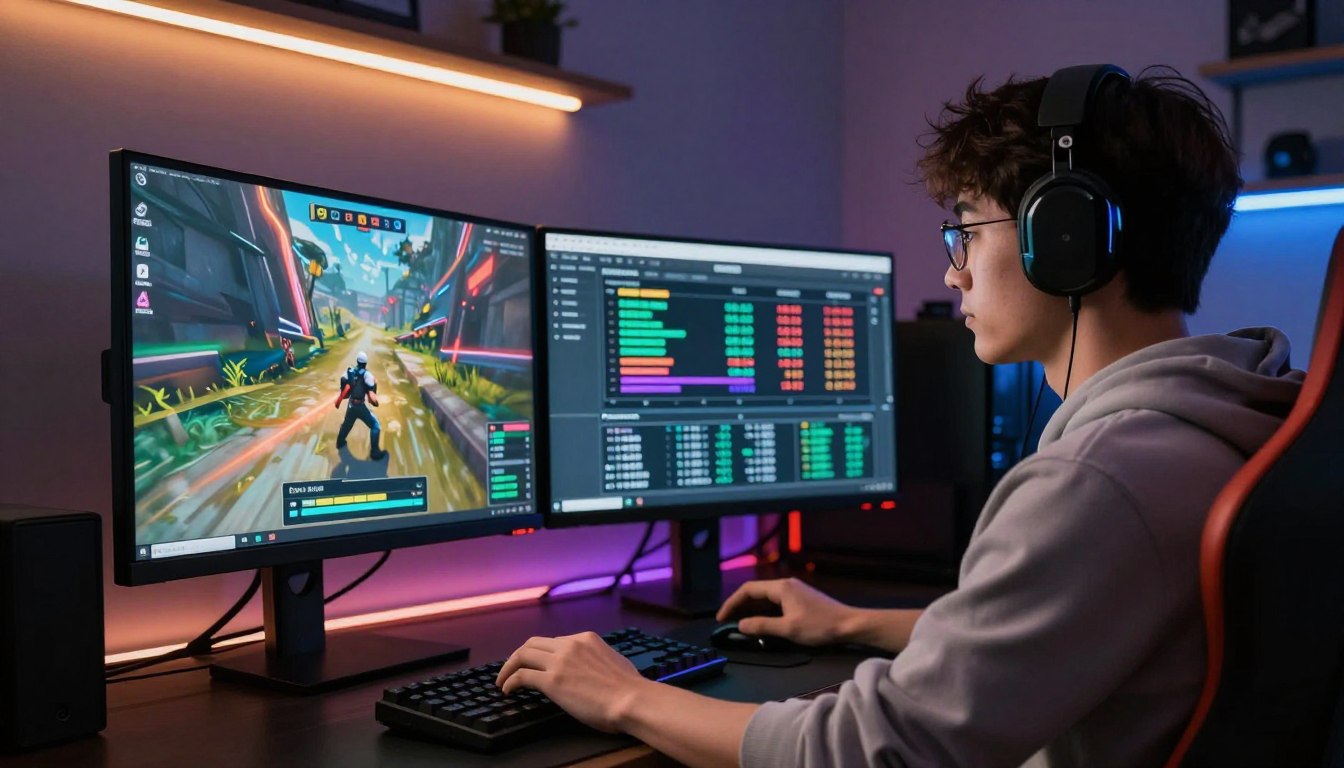
Memory prices shift, so compare current listings before buying. The right amount is the amount your gaming PCs need for the games and tasks you run, not the biggest option in a store.
Use this three-part check:
- Look at RAM use while gaming.
- Notice whether slowdowns happen with background apps open.
- Compare the cost of reaching the needed capacity with a compatible kit.
A sufficient RAM setup may leave little reason to spend more. If your typical session shows spare capacity, a new kit is unlikely to solve a performance problem caused elsewhere.
Buy for a demonstrated capacity need, not simply because a larger kit is available.
What RAM Speed Should You Choose?
For a DDR5 gaming build, match the kit to the platform first, then compare speed and timings together. DDR5-6000 to DDR5-6400 is a common 2026 balance, with the right pick depending on the processor.
AMD AM5 gaming builds pair well with DDR5-6000 at CL30 to CL32, while Intel 14th- and 15th-generation builds suit DDR5-6400 at CL32. Small gains from higher speeds show most in CPU-bound games.
| Build | Recommended speed | Timing | Use |
|---|---|---|---|
| AMD AM5 | DDR5-6000 | CL30 to CL32 | Gaming recommendation |
| Intel 14th- or 15th-generation | DDR5-6400 | CL32 | Gaming recommendation |
| General 2026 gaming balance | DDR5-6000 to DDR5-6400 | CL30 to CL32 | Performance, stability and price balance |
In CPU-bound games, DDR5-6000 is typically 3% to 8% faster than DDR5-5600; DDR5-7200 is typically 1% to 3% faster than DDR5-6000 in most titles. Tighter timings can matter more than a higher data rate: a DDR5-6000 CL30 kit can outperform a DDR5-6400 CL36 kit in real-world tasks.
A 32 GB DDR5-6000 CL30 kit was listed at $97.97. The G.Skill Trident Z5 Neo RGB kit, also 32 GB in a 2 x 16 GB configuration, was listed at $117.99 with DDR5-6000, 30-38-38-96 timings, and 1.35 V. The G.Skill Trident Z5 RGB kit is 32 GB in a 2 x 16 GB configuration with 36-36-36-76 timings.
Before setup, make these three checks:
- Check motherboard and CPU memory support.
- Use a matched kit.
- Enable a supported XMP profile to reach the kit’s rated settings.
Check that the memory profile is stable after enabling it rather than assuming the advertised speed is active automatically.
Conclusion
Choose memory for the games and background workload you actually run, rather than for a larger number on the box. Enough RAM can prevent memory-related slowdowns, while extra capacity pays off mainly when your workload uses it.
For a smooth gaming experience, start with a typical game session and observe how much memory your computer uses. That check gives you a practical basis for choosing capacity instead of guessing from a game’s name alone.
Check your system’s memory use during play, then buy only a compatible kit that meets the need you observed.
FAQ
Will more RAM make games faster?
More RAM can make games feel faster when a memory shortage causes stutter, but more capacity alone does not guarantee higher average FPS. A system with enough room for its game and background tasks may see little change. If frame rates remain low, the CPU, GPU, game settings, or another system limit could be responsible.
Can a PC run without RAM?
No, a standard gaming PC needs RAM to boot and run games. The processor uses working memory to access active system and game data. Without RAM, a PC cannot operate normally, even if an SSD or hard drive contains Windows and installed games. Storage keeps files long term; it does not replace active memory.
Is 64 GB of RAM overkill for gaming?
Usually, 64 GB is more than you need for gaming alone. That capacity can make sense for local AI, professional editing, virtual machines, or large data sets that use more memory. If you mainly play games and keep only a few apps open, extra RAM beyond your workload’s needs is unlikely to improve performance.
What is RAM?
RAM is fast, temporary storage for data your computer is actively using. Games, applications, and system tasks place working data there so the processor can access it. An SSD or hard drive stores files for the long term, even when the computer is off. RAM is cleared when the system loses power.
Is 32GB of RAM an overkill?
Thirty-two gigabytes is more than most gaming PCs need in 2026, but it is useful for heavier multitasking. Streaming, recording, and keeping many applications open can use more capacity than a game alone. For a simple gaming setup, 16 GB may be sufficient, depending on the games and other tasks you run.
Does higher RAM mean faster?
No, more capacity does not automatically mean faster performance. Extra capacity helps when your active workload needs more room; memory speed can help certain CPU-bound tasks. Timings and platform support matter too. A kit with a higher data rate but looser timings may not outperform a lower-rate kit with tighter timings.
What is a good RAM speed for gaming?
For 2026 DDR5 gaming builds, DDR5-6000 at CL30 to CL32 is a good match for AMD AM5. Intel 14th- or 15th-generation gaming builds are commonly paired with DDR5-6400 at CL32. Check processor and motherboard support, since a kit’s advertised profile does not mean the system will run it automatically.
Is it worth increasing RAM from 16GB to 32GB?
It is worth the upgrade when games and background apps push 16 GB beyond comfortable capacity. Streaming, recording, or keeping many applications open can make 32 GB useful. If your games already run smoothly and your typical session leaves memory available, moving to 32 GB may not make gaming faster.
If you want to dig further into how workplace technology changed employment r, read our How Workplace Technology Changed Employment R guide.
If you want to dig further into is technology destroying world weighing risks, read our Is Technology Destroying World Weighing Risks guide.
If you want to dig further into what is sprint in technology agile developmen, read our What Is Sprint in Technology Agile Developmen guide.